


A fast model for routine questions, a more capable one for analysis or long documents.
What if the agent didn't just answer, but acted?
From knowledge to action
Section titled “From knowledge to action”An agent that only answers from documents knows what was in the last upload. Many everyday questions, however, need current data or trigger an action: Where is my order? Please open a ticket. I need the invoice as an e-invoice.
That is what tools are for in LIVOI. Based on the request, the agent decides which tool to call and with which inputs. LIVOI runs the call, validates the inputs and returns the result to the model. In the chat you can always see which tool was called with which data.
Four ways to connect a tool
Section titled “Four ways to connect a tool”| Tool type | What for? | Example | Setup |
|---|---|---|---|
| LIVOI tools | Standard platform functions | Knowledge search, appointment calendar, web search, labels | Enable per agent |
| Custom tools | Call your own HTTP APIs | Order status from the ERP, create a lead in the CRM | Configure in the dashboard: URL, method, parameters, credentials |
| MCP servers | Use tools from existing MCP servers | Create a ticket, find files in a storage system | Add an MCP client to the agent, optionally with personal sign-in |
| Project tools | Business logic beyond a single API call | Generate e-invoices (XRechnung), DATEV connection, letters with deadlines | Built by P-CATION as part of your project |
Example: one service request, three systems
- Channel
- Custom tool
- MCP
- Project tool
- 1Channel Request on WhatsApp
A customer asks about delivery status and the invoice.
- 2Custom tool Get order status
Live query in the ERP via its existing REST API.
GET /orders/{order_id} - 3MCP Create ticket
Follow-up on the delivery address for the service team.
create_ticket - 4Project tool Generate e-invoice
Create an XRechnung from the invoice data and provide it.
create_einvoice_xml_tool
15-second demo: one agent, several tools
Section titled “15-second demo: one agent, several tools”Model-agnostic: the right model for each agent
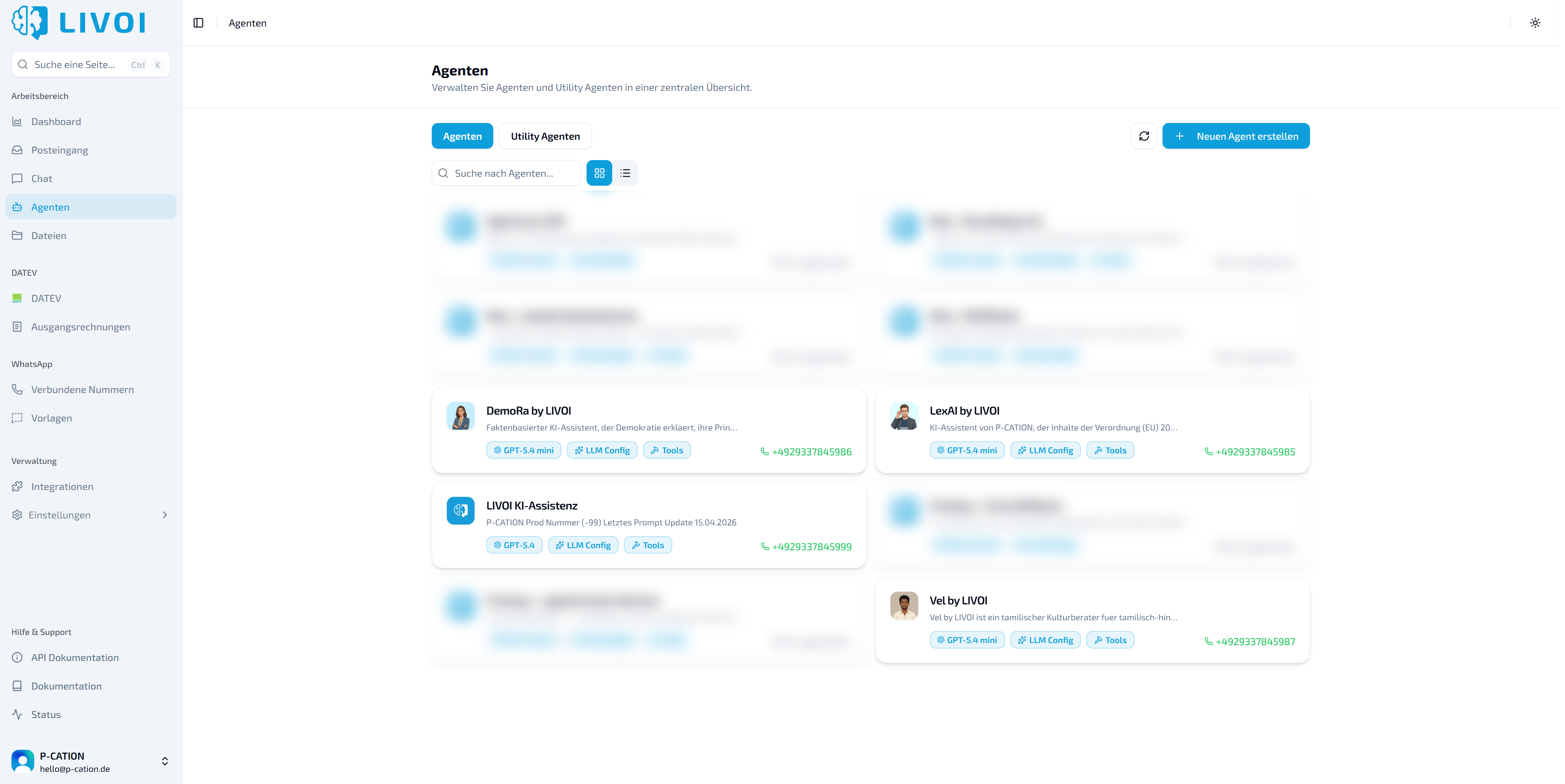
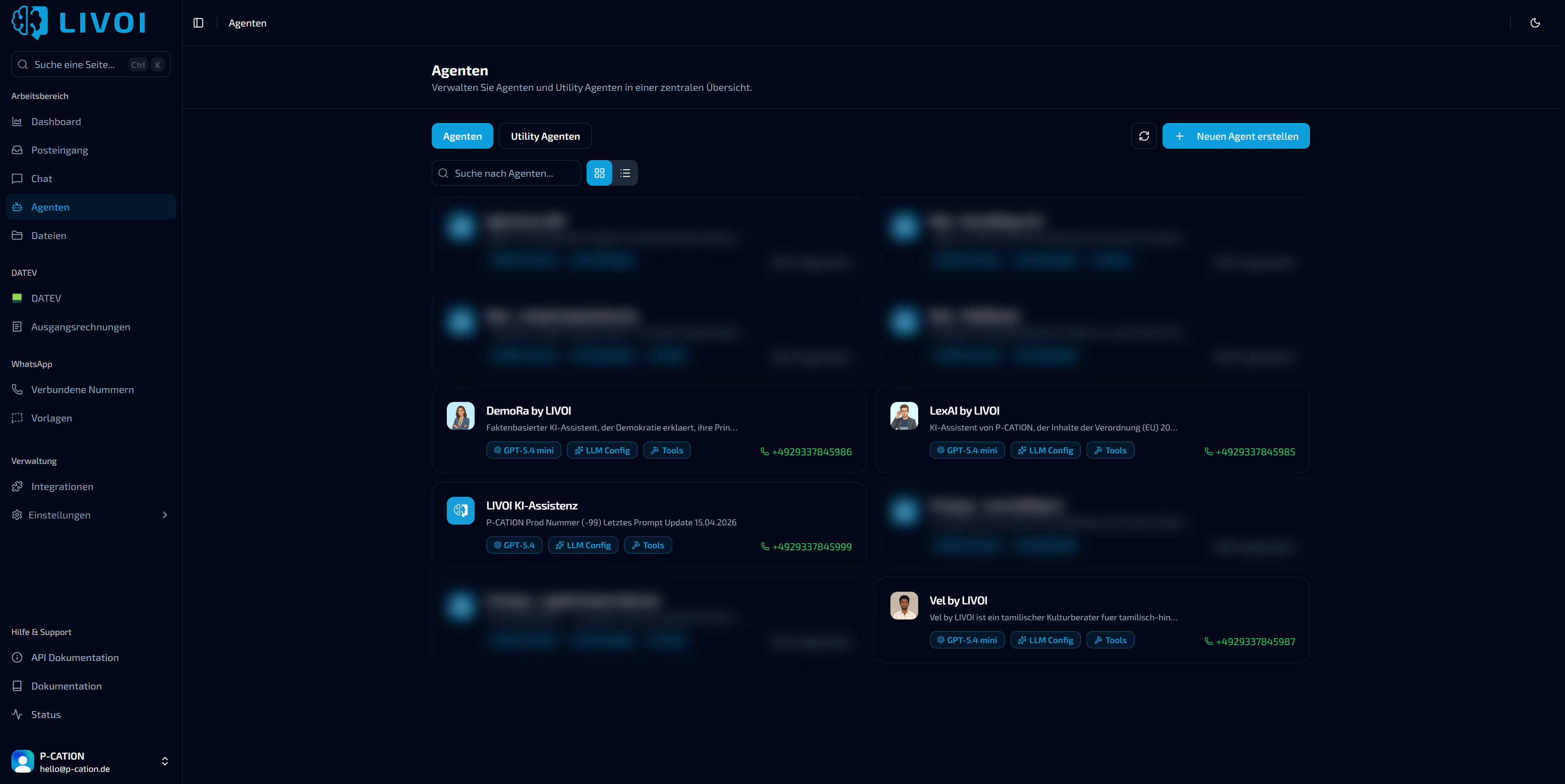
Section titled “Model-agnostic: the right model for each agent”LIVOI isn’t tied to a specific AI model. Each agent is configured with the model it uses. Tools, knowledge and instructions stay the same.
For example OpenAI, Azure or Anthropic. Switching doesn’t require rebuilding your tools.
Models can also be connected through your own endpoints, for example in a specific region or in your own infrastructure.
Skills: reuse ways of working
Section titled “Skills: reuse ways of working”Tools tell the agent what it can do. Skills describe how a recurring task gets done: which details to clarify first, which tools to use in which order, and what the result should look like.
A “Record a complaint” skill could, for example, say: ask for the order number, check the status in the ERP, request photos, create a ticket and send the customer a short summary. Several agents can then follow the same process without each prompt being maintained separately.
Control and traceability
Section titled “Control and traceability”Every call is visible in the conversation. For custom tools, this includes the inputs sent and the response.
LIVOI checks the model’s arguments against the configured input schema before a request reaches the target system.
MCP clients can use a personal sign-in. The agent then acts only with that person’s permissions.
In expert mode, you can specify the situations in which an agent should use a tool.
What changes day to day
Section titled “What changes day to day”Before
- Answers only from static documents
- Staff copy data between ERP, ticketing and chat
- Integrations are tied to one model or provider
After with LIVOI
- Live data and actions straight from the conversation
- Existing APIs and MCP servers are reused
- Model and provider can be chosen per agent